Embark on the wild and humorous journey of DIY computer upgrades, where anticipation quickly clashes with chaos. From tangled cables and missing screws to unexpected hardware conflicts, each step tests your patience and ingenuity. While the allure of customizing and improving your PC is strong, the reality often involves a series of comedic mishaps—dropping tiny parts, battling spaghetti-like wiring, and deciphering confusing manuals. Yet, these moments become valuable lessons, revealing that chaos is an integral part of mastery. Preparing meticulously, organizing tools, and maintaining a calm, humorous mindset can turn overwhelming challenges into rewarding experiences. So, are you ready to embrace the mess and turn frustration into fun? This adventure promises not just a faster, better-performing machine but also a boost in confidence and troubleshooting skills that make every future upgrade smoother—and more enjoyable.
Experience the Thrill and Chaos of DIY Computer Upgrades
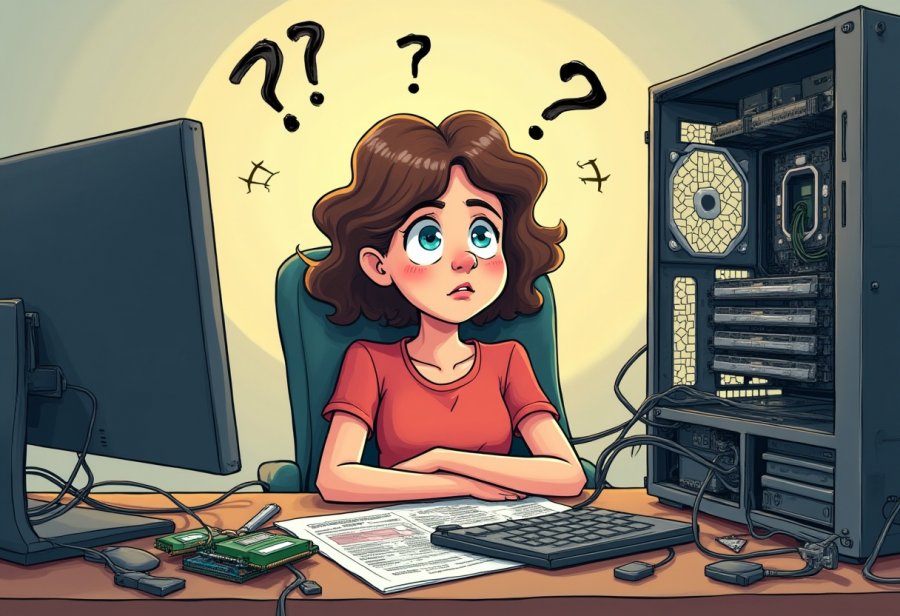
Upgrading your computer yourself is often a rite of passage for tech enthusiasts and casual users alike. It’s a process filled with anticipation, but more often than not, it comes with plenty of chaos. From the moment you pop open your case, you’re greeted by a jumble of cables that look more like spaghetti than a tidy wiring system. That tangled mess is almost guaranteed to test your patience, especially when you’re trying to identify the right slot for a new component. Still, there’s a strange thrill in getting your hands dirty and seeing your hardware come to life.
Many people choose DIY upgrades because they want more control and a sense of achievement. Swapping out parts, customizing your setup, and saving money all add to the appeal. But the reality rarely matches the smooth, straightforward plan you had in mind. Instead, it becomes a series of small adventures—cables twisting in every direction, screws vanishing into the depths of the case, and compatibility issues popping up unexpectedly. These moments can be frustrating, but they often turn into funny stories you’ll laugh about later.
Humor often becomes your best friend during these mishaps. Imagine elbow-deep in cables, only to realize you’ve been plugging the power cable into the wrong socket all along. Or dropping a tiny screw that disappears into the case, prompting a frantic flashlight search on the floor. Hardware mishaps—like bending motherboard pins or installing incompatible parts—are common and tend to be more memorable than disastrous. Sharing these stories makes the chaos feel less overwhelming and more part of the learning experience.
The mess isn’t limited to cables and screws. Sometimes, a component simply refuses to fit or work properly, turning a straightforward upgrade into a puzzle. A graphics card that’s too big for your case or RAM that won’t seat correctly can seem like insurmountable obstacles. These setbacks often lead to confusion or frustration, but they also become opportunities to develop troubleshooting skills. Over time, each mistake becomes a story that boosts your confidence for future projects.
Despite all the chaos, proper preparation can make a huge difference. Organizing your tools, taking photos at each step, and double-checking compatibility beforehand can save hours of hassle. Creating a clean, well-lit workspace reduces the risk of losing tiny parts or knocking over components. When issues do arise, a calm, systematic approach—checking connections and reseating parts—can turn a frustrating problem into a manageable one. It’s all about embracing the chaos with humor and patience.
Remember, every DIY upgrade has its share of surprises. Missing screws, static shocks, or incompatible hardware are part of the journey. Accepting these mishaps as normal makes the process less intimidating and more enjoyable. Each small setback is a step toward becoming more skilled and confident, turning chaos into a badge of honor. In the end, the satisfaction of a successful upgrade far outweighs the temporary mess.
The real reward isn’t just a faster, better-performing PC; it’s the confidence and knowledge gained along the way. Each project teaches patience and problem-solving, making the next upgrade smoother and less chaotic. The mess becomes a funny story to tell, a reminder that the journey is just as important as the destination. So, gear up with humor and patience—your next upgrade might just be the most entertaining one yet.
The Hilarious World of Tech Upgrade Chaos
When it comes to DIY tech upgrades, humor often sneaks in right alongside the frustration. Imagine trying to connect a new graphics card, only to realize you’ve been plugging the power cable into the wrong socket the entire time. That moment of realization can turn what seemed like a simple job into an impromptu comedy show. Meanwhile, dropping a tiny screw becomes an instant game of “where did it go?” as you crawl around on the floor with a flashlight, trying to fish it out from the depths of your case. These small mishaps might seem minor, but they’re so common that they become shared stories among DIYers.
Cable management is another endless source of comedy. Wires twist, loop, and sometimes knot themselves into what looks like a nest of spaghetti, almost impossible to untangle. Troubleshooting a problem often feels like a guessing game—unplug one cable, then another—only to realize your entire system is fighting back. You might find yourself on the floor, peering into the case with a mirror, trying to see what’s wrong while cables hang in your face. These chaotic moments, though frustrating, often feel more like slapstick comedy than technical challenges, especially when the fix is just a loose connection or static shock.
Hardware mishaps are notorious. Installing a graphics card that’s too big for your case, or bending motherboard pins in haste, can turn a straightforward upgrade into a disaster. It’s not unusual to curse quietly when a component refuses to fit or suddenly stops working after installation. Screws vanish into the abyss, and static shocks can fry a brand-new part faster than you can say “Oops.” Yet, these moments tend to become funny stories later—proof that even seasoned DIYers aren’t immune to chaos.
Even when everything seems to be going smoothly, a small mistake can throw everything into chaos. Forgetting to connect a power cable or installing RAM in the wrong slots can lead to hours of confusion. You’ll spend extra time troubleshooting, only to find that the solution was a loose connector or a simple reset. These tiny errors remind us that DIY upgrades are as much about patience as they are about parts. Rushing or skipping steps often turns a tidy job into a tangled mess.
Screws, cables, and incompatible parts all become part of the upgrade lore. Enthusiasts joke about the “screw fairy” who seems to make tiny screws disappear at the worst moments. Cables get knotted into knots that would impress even a sailor, and troubleshooting becomes an epic scavenger hunt. Hardware conflicts can turn a straightforward project into an extended trial-and-error marathon. But these mishaps also turn into great stories, proof that even the most experienced DIYers face chaos.
Despite the chaos, these moments of mishap and humor make the process memorable. They teach patience, problem-solving, and the importance of a good sense of humor. Every tangled wire or broken part becomes a badge of honor, proof of your willingness to take on the challenge. Embracing the mess makes the entire journey more enjoyable and less intimidating. In the end, the chaos is just part of the adventure, and laughing through the mishaps transforms frustration into fun.
So, if you’re about to dive into your next upgrade, remember that a little chaos is inevitable—and that’s okay. The humor and lessons from these mishaps will stay with you longer than any smooth, trouble-free build ever could. The real reward isn’t just a faster, better PC; it’s the stories you’ll tell and the confidence you’ll gain along the way. Embrace the chaos, keep your sense of humor, and enjoy the ride—because every messy moment is a step closer to mastery.

Navigating the Chaos: Tips and Strategies
Before diving into your upgrade, a little prep work can make the whole process smoother and less chaotic. Gather all your tools, screws, and parts in one designated spot so nothing gets lost or forgotten. Nothing kills momentum faster than searching for a missing screwdriver or realizing you bought the wrong thermal paste. Double-check that your components are compatible—nothing throws a wrench into your plans faster than discovering your new RAM doesn’t support your motherboard. Taking these simple steps upfront helps keep surprises to a minimum and keeps you focused on the task at hand.
Setting up your workspace in a clean, well-lit area is crucial. A tidy desk makes it easier to see small parts and reduces the risk of dropping screws or losing tiny connectors. Spend a few minutes organizing your tools and components; this small effort pays off by making each step more straightforward. Taking photos during disassembly can be a lifesaver during reassembly, giving you a clear visual reference to ensure everything goes back together correctly. It might seem like extra work, but these habits save time and prevent frustration later.
Handling your components with care is vital. Static electricity can silently fry sensitive parts, so ground yourself by touching a metal surface or wear an anti-static wrist strap. Be gentle when removing or installing hardware—motherboards and RAM sticks are delicate and prone to damage if rushed. Keep screws and small parts organized in small containers or on magnetic mats, and label cables with masking tape or take quick photos for easy reconnection. These small measures prevent confusion and help you avoid the dreaded “where does this go?” moment.
When problems pop up, approach troubleshooting systematically. Start by checking all connections, reseating cables, and ensuring components are properly seated. If your system won’t boot, try resetting BIOS settings or updating drivers. Often, the fix is something simple—a loose cable, a static shock, or a forgotten power connection. Patience and methodical checking prevent minor issues from snowballing into major setbacks. Staying calm and organized makes even the most stubborn problems easier to solve.
Expect setbacks—they’re part of the process. If something isn’t working, take a step back and review your work calmly. Sometimes, the solution is as simple as reseating a component or tightening a screw. Rushing or skipping steps often turns a quick fix into hours of frustration. Embrace the chaos as part of the learning curve, and remember that mistakes are just opportunities to improve your skills. Staying relaxed and focused keeps the project moving forward and helps turn mishaps into valuable lessons.
Finally, maintain a positive attitude throughout. The chaos won’t last forever—once your system is running smoothly, those tangled cables and missteps fade into funny stories. Approach each step with patience, knowing that careful planning and a steady hand will save you time and headaches. By staying organized, calm, and ready to adapt, you’ll turn what seems like chaos into a manageable, even enjoyable experience. Every successful upgrade boosts your confidence, making the next one even easier and more rewarding.
Expert Perspectives and Lessons
Experienced technicians and seasoned enthusiasts agree that patience and careful planning are the cornerstones of successful DIY upgrades. Spending time upfront researching your hardware—checking compatibility, reading reviews, and understanding the specific requirements—can save hours of frustration later. Rushing through these steps often leads to compatibility issues, tangled cables, and hardware conflicts that turn a simple project into chaos. Taking your time initially helps you avoid many common pitfalls and sets a solid foundation for a smoother build.
Grounding yourself properly before handling sensitive components is a simple but crucial step many pros emphasize. Static shocks can silently damage your parts, so using an anti-static wrist strap or touching a grounded metal surface is well worth the effort. Working slowly and methodically, disconnecting power before making changes, and following detailed guides helps prevent accidental damage. This cautious approach minimizes the risk of bending motherboard pins or installing components upside down, which can be costly and time-consuming to fix.
When setbacks happen, experts advise maintaining a calm mindset. Viewing mistakes as learning opportunities rather than failures keeps frustration in check and encourages a more systematic approach. Whether it’s a loose cable, a static shock, or an incompatible part, taking a moment to troubleshoot calmly often reveals simple fixes—like reseating a connector or updating BIOS settings. Patience during these moments not only prevents further damage but also builds confidence, preparing you for future projects with greater ease.
Organization plays a significant role in managing the chaos. Pros keep screws, cables, and tiny parts in labeled containers or on magnetic mats, making reassembly straightforward. Photos taken during disassembly serve as quick visual references, helping to avoid confusion and ensuring nothing gets left behind. These habits turn what could be a confusing jumble into a manageable puzzle, reducing errors and boosting confidence in your skills.
Creating a clean, well-lit workspace makes a noticeable difference. Good lighting reveals small details that might otherwise be missed, and a tidy environment minimizes the risk of losing parts or accidentally damaging components. Experienced builders recommend setting aside dedicated, unrushed time for upgrades, so you can focus fully and stay relaxed. A calm, organized approach transforms what initially seems like chaos into an achievable, even enjoyable process.
Finally, embracing the inevitable mishaps with humor helps keep the experience positive. Whether it’s a missing screw or static shock, these moments are part of the process. Recognizing that everyone encounters setbacks allows you to stay relaxed and learn from each challenge. Over time, this mindset turns chaos into a valuable learning tool, making each successful upgrade more satisfying and less stressful. With patience, preparation, and a sense of humor, even the most chaotic build becomes a rewarding step toward tech mastery.
Conclusion & Next Steps
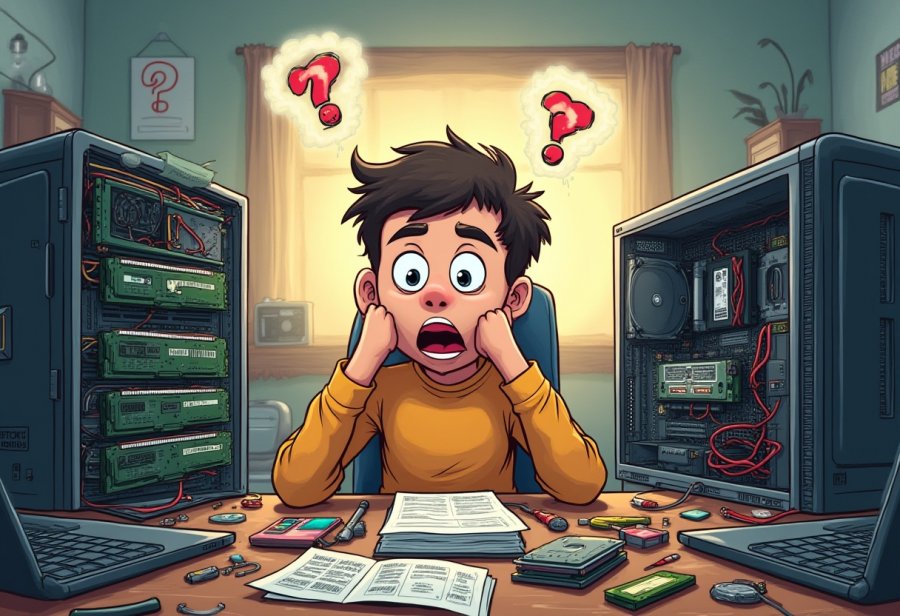
Wrapping up your DIY computer upgrade, remember that chaos is almost unavoidable—but it doesn’t have to be a bad thing. Embracing the mess with humor and patience transforms what might seem like a frustrating ordeal into a rewarding experience. The tangled cables, missing screws, and unexpected setbacks are all part of the journey, and accepting them makes the process much more manageable—and even fun.
Expect that surprises will happen. Static shocks, incompatible hardware, or a forgotten cable are common hurdles everyone faces. Recognizing that these mishaps are normal helps you stay relaxed and keeps frustration at bay. Instead of seeing mistakes as failures, treat them as opportunities to learn and improve. Each little setback is a step toward becoming more confident and capable in future upgrades.
Preparation is your best tool for minimizing chaos. Organizing your workspace, gathering all parts and tools beforehand, and taking photos during disassembly save time and headaches later. A tidy, well-lit environment makes it easier to see small parts and reduces the risk of losing them. When problems arise, a calm, systematic approach—checking connections, reseating components, and troubleshooting patiently—turns chaos into control.
Rushing through an upgrade often leads to mistakes. Take your time, follow instructions carefully, and double-check every step. Sometimes stepping back for a moment reveals simple fixes you might have overlooked. Patience and a steady hand not only prevent damage but also make the process more enjoyable. Remember, the goal isn’t just a faster PC, but also building your skills and confidence along the way.
In the end, the mess is temporary. Once your system boots up and performs better than before, those tangled cables and mishaps fade into funny stories. The real reward isn’t just a more powerful machine—it’s the sense of achievement and mastery you gain through the experience. Each upgrade makes the next one easier, less chaotic, and more satisfying.
So approach your next upgrade with a good dose of humor and patience. Accept that mistakes will happen—that’s part of the process. Embrace the chaos as part of your learning journey, and remember that each challenge is an opportunity to grow. With the right mindset, you’ll find that the mess is just the price of a good story and a better, more personalized PC.